blue harbor commerce

Change the batteries before the house needs them.

How to clean, set up for an absence and maintain each device we install. Concierge members can leave all of this to our monthly check; everyone else, here is the routine.

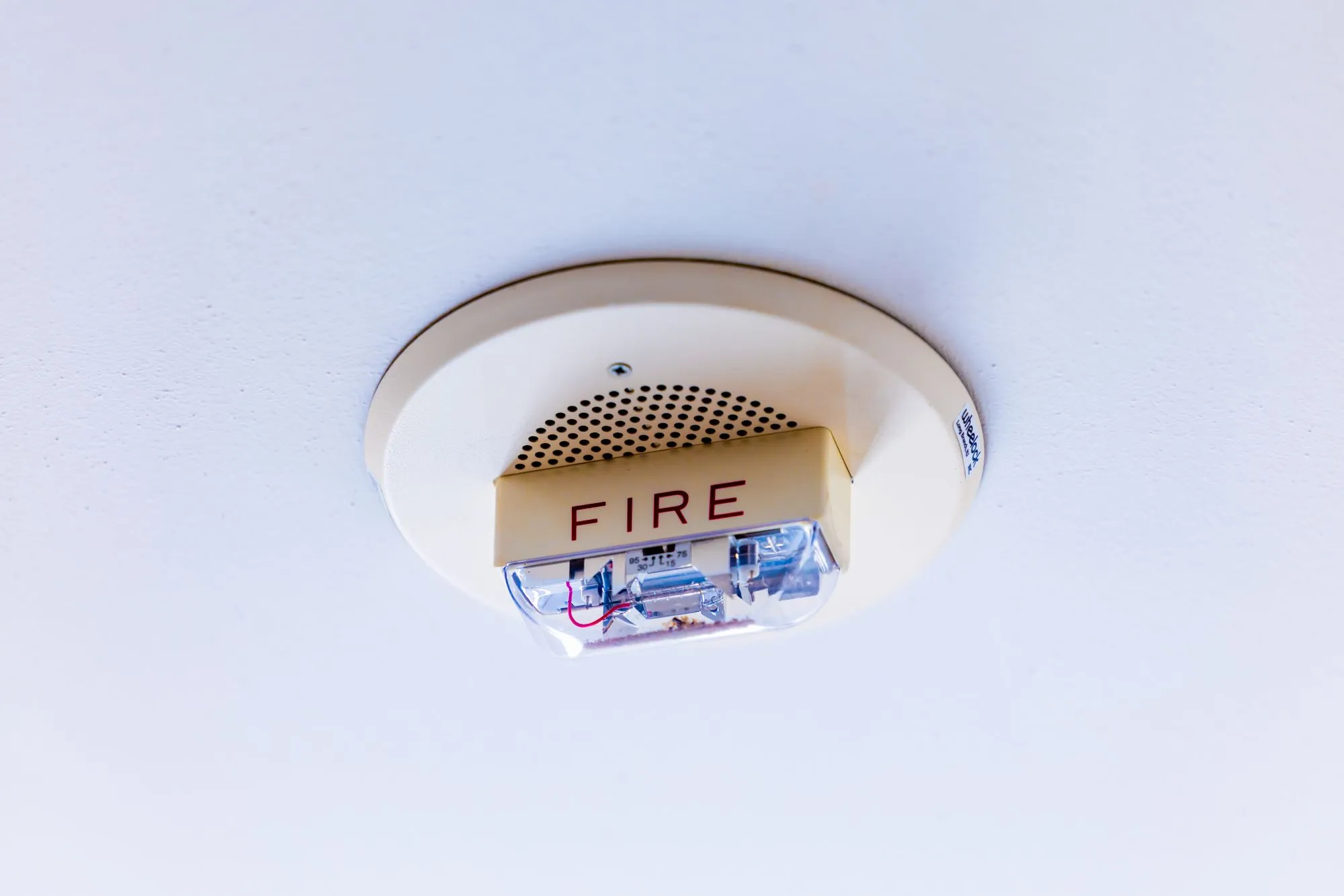
Ceiling-mounted smoke alarm on a white ceiling

Leak sensors

Clean

Wipe the probes on the underside with a dry cloth. Mineral crust from a past drip can bridge the contacts and cause a false alert.

Before you leave

Leave them on the floor, probes down, flat. A sensor kicked onto its side under a sink cannot read a puddle.

Maintain

Press the test button or touch the probes with a damp finger twice a year. YoLink Leak Sensor 4 runs on 2×AAA; swap both at once when the app reports low battery.

Water shutoff valves

Clean

Keep the valve and actuator dry and clear of stored boxes. Check for green or white crust at the fittings.

Before you leave

Before a long absence, decide with us whether the valve closes on any leak alert or only on alerts we confirm.

Maintain

Exercise the valve: close and reopen it from the app every few months so it does not seize. Phyn Protect stays in its last position if power drops.

Thermostats

Clean

Dust the face and vents with a soft dry brush. No spray cleaner on the screen.

Before you leave

Set an away range, not off. Keep humidity alerts on if your model supports them.

Maintain

Replace the HVAC filter on schedule; a clogged filter shows up as long run times. Replace remote sensor batteries when the app flags them.

Smart locks

Clean

Wipe the keypad with a damp cloth, then dry. Keep lubricant out of the keypad; use dry graphite in the keyway only.

Before you leave

Delete codes for contractors who finished their job. Keep one physical key with someone you trust nearby.

Maintain

Change all the batteries together, same brand, once the app reports low. Check the deadbolt throws fully with the door shut; a sticking bolt drains batteries fast.

Cameras and doorbells

Clean

Clean lenses with a microfiber cloth. Clear spider webs; they trigger motion events all night.

Before you leave

Switch modes to Away so motion alerts reach you. Confirm your manufacturer plan is active before you leave.

Maintain

Recharge or replace battery packs before the season. Re-aim cameras after storms and after landscaping work.

Smoke and CO alarms

Clean

Vacuum the vents gently with a soft brush attachment once or twice a year.

Before you leave

Never take an alarm down for the season. Confirm it still reports to your phone before you go.

Maintain

Test monthly while you are home. Replace by the date on the back; second-gen Nest Protect units expire 10 years after manufacture.

Hubs, router and network

Clean

Keep the router and any hub in open air, not inside a closed cabinet or behind the TV.

Before you leave

Leave the router, modem and hubs powered. A plug-in timer or a power-saving strip can take the whole system offline.

Maintain

Restart the router if devices drop together. Tell us before you change the Wi-Fi name, password or internet provider.

Run this list the week you lock up.

Or book the $129 seasonal departure setup and we run it with you on site.

Book a departure visit →
  • Run a test alert from one leak sensor and confirm it reaches your phone.
  • Set the thermostat away range and check humidity alerts are on.
  • Replace any battery the app lists under 30%.
  • Remove old guest and contractor lock codes; add the ones needed while you are gone.
  • Set cameras to Away mode and check the manufacturer plan renews.
  • Write down who has a physical key and their phone number.
  • Leave router, modem and hubs plugged in and powered.